Your PDF or video, converted into SCORM ready for Moodle
We quickly turn a PDF or video into a SCORM 1.2 package. Learners move at a controlled pace, can resume where they left off, and when they finish, the course is recorded as completed.
Start from a PDF or from a video

Each PDF page becomes a slide
- Each slide has a minimum time before moving to the next, with a bar showing the wait.
- Learners cannot skip ahead until that time ends.
- When finished, a closing screen appears with your logo.

A video they must actually watch
- Accepts MP4, a YouTube link, or Vimeo.
- Learners cannot seek beyond what they have already watched.
- You set the minimum percentage—for example 90%.
- When they reach it, the activity completes on your platform and the closing screen button unlocks.
A course that records itself
A package ready to upload to your LMS as an activity.
When finished, the course is recorded as completed.
At all times, it sends a progress score to the platform.
The same benefits, PDF or video
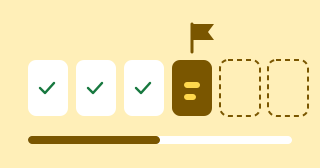
Resume where they left off
The package saves the learner’s position and restores it when they return.
Recorded as completed
When finished, the course is marked completed in Moodle.

Your branding
Colors, bar, logo, and closing screen text are customized.
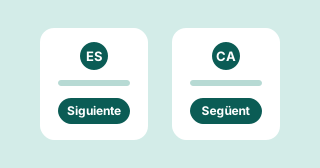
Spanish or Catalan
The course is generated in one language, buttons included. Language is fixed in the package.
Frequently asked questions
What can I convert?
A PDF, MP4 video, or a YouTube or Vimeo link.
Can learners skip parts?
With PDF they cannot go to the next slide until the minimum time ends. With video they cannot seek beyond what they have watched.
What if they leave mid-course?
The package saves their position and restores it when they return.
Can language be changed later?
Language is fixed in the package. For another language you need a new package.
Have a PDF or video to convert?
Send it to us and we return a SCORM 1.2 package ready to upload to your Moodle.